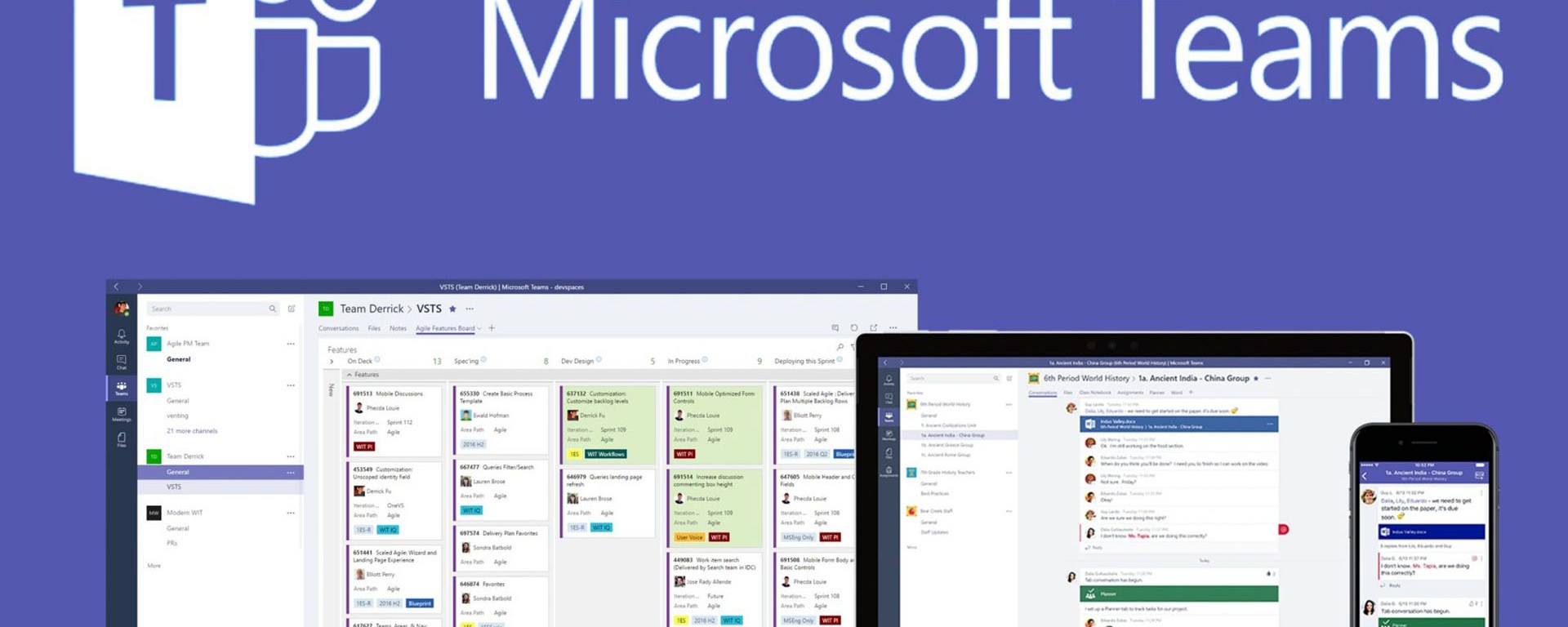
Microsoft Teams is a collaboration platform that is designed to help teams work together more effectively. It provides a wide range of features and tools to help teams communicate, collaborate, and manage their projects. In this blog post, we’ll explore the advantages and disadvantages of using Microsoft Teams, how to make the most of collaboration, how it has changed how people work, and how Teams has allowed more remote work.

Advantages
Integration with Other Microsoft Products
One of the biggest advantages of using Microsoft Teams is its integration with other Microsoft products. Teams is part of the Microsoft Office 365 suite, which means that it integrates seamlessly with other Microsoft products such as Outlook, Word, Excel, and PowerPoint. This makes it easy for users to switch between different tools and collaborate on projects more efficiently.
Collaboration Features
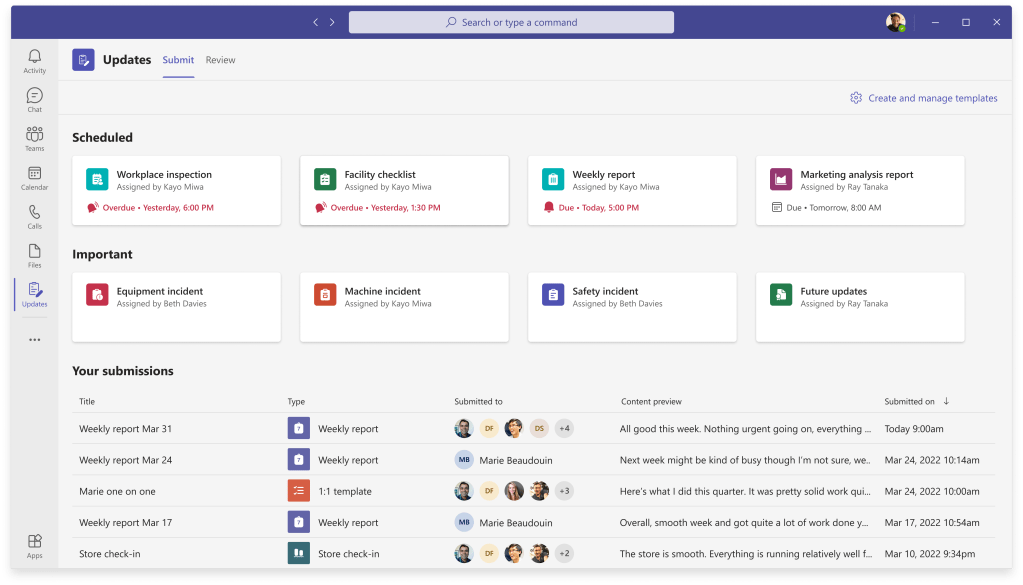
Microsoft Teams provides a wide range of collaboration features that make it easy for teams to work together. These features include chat, video conferencing, screen sharing, and file sharing. Additionally, Teams allows users to create channels for specific projects or topics, which helps to keep conversations organized.
Customization
Microsoft Teams is highly customizable, which means that teams can tailor the platform to meet their specific needs. Teams allows users to create custom tabs for specific tools or services, and it also provides a wide range of integrations with other tools and services.
Security
Security is always a top concern when it comes to collaboration platforms. Microsoft Teams provides a wide range of security features and tools to help keep data secure. These features include two-factor authentication, data encryption, and compliance with a wide range of industry standards and regulations.
Mobile App
Microsoft Teams has a mobile app that is available for iOS and Android devices. The mobile app provides many of the same features as the desktop version, which means that users can collaborate on-the-go.

Disadvantages
Complexity
One potential disadvantage of using Microsoft Teams is its complexity. While Teams provides a wide range of features and tools, it can be overwhelming for some users. Additionally, some users may find that they need to spend time learning how to use all of the different features.
Integration Limitations
While Microsoft Teams integrates seamlessly with other Microsoft products, it may not integrate as well with other tools and services outside of the Microsoft ecosystem. This can be a disadvantage for teams that use a wide range of different tools.
Cost
Microsoft Teams is part of the Microsoft Office 365 suite, which means that it requires a subscription. This can be a disadvantage for small businesses or organizations that may not have the budget for a subscription.
Making the Most of Collaboration
To make the most of collaboration in Microsoft Teams, there are several best practices that teams can follow:
Set Clear Goals and Expectations
Before starting a project in Microsoft Teams, it’s important to set clear goals and expectations. This includes defining the scope of the project, assigning roles and responsibilities, and setting deadlines.
Use Channels Effectively
Channels are an important feature in Microsoft Teams because they help to keep conversations organized. To use channels effectively, teams should create channels for specific projects or topics, and they should encourage team members to post messages in the appropriate channel.
Encourage Communication
Communication is key when it comes to collaboration in Microsoft Teams. Teams should encourage open communication and make sure that team members feel comfortable asking questions or asking for help when needed.
Use Video Conferencing
Video conferencing is an important feature in Microsoft Teams because it allows team members to communicate face-to-face even when they are not in the same location. Teams should encourage the use of video conferencing for important meetings or discussions.
Microsoft Teams Has Changed How People Work
Microsoft Teams has had a significant impact on how people work. It has made it easier for teams to collaborate remotely, which means that teams can work together even if they are not in the same location. Additionally, Microsoft Teams has made it easier for teams to communicate and share information, which has led to increased productivity and efficiency.
How Teams Has Allowed More Remote Work
Microsoft Teams has played a significant role in allowing more remote work. By providing a platform for remote collaboration and communication, Teams has made it possible for teams to work together even if they are not in the same location. This has allowed more people to work remotely, which can have many benefits including increased flexibility and reduced commuting time.
In conclusion, Microsoft Teams is a powerful collaboration platform that provides many advantages for teams. While there are some disadvantages to using Teams, these are outweighed by its many benefits. By following best practices for collaboration and communication in Teams, teams can make the most of this powerful platform and achieve their goals more efficiently. Additionally, by allowing more remote work, Teams has helped to change the way people work and has provided many benefits for both employees and organizations.
 Geetchy