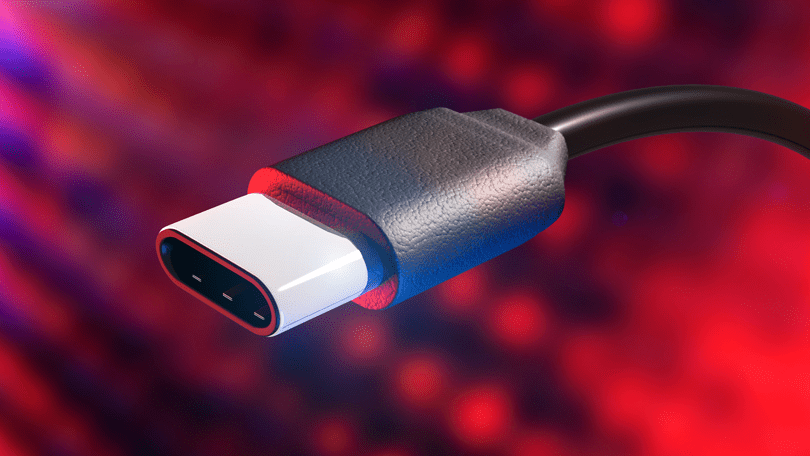
Cable guide: USB-C

USB-C is a 24-pin USB connector system with a rotationally symmetrical connector, now an industry-standard cable for transmitting both data and power on one single cable. The USB-C connector was developed by the USB Implementers Forum (USB-IF), the group of companies that has developed, certified, and shepherded the USB standard over the years. The USB-IF counts more than 700 companies in its membership, among them Apple, Dell, HP, … Continue reading Cable guide: USB-C

Cable guide: Displayport

DisplayPort (DP) and Mini display port (MDP) are two connectors that are beginning to emerge in more and more graphics cards and monitors. The only different between the contacts, the physical size. Just as HDMI has become the replacement for Scart, it seems like DisplayPort is the replacement for DVI. DisplayPort has in fact many benefits, including the connector is much smaller and handier. In … Continue reading Cable guide: Displayport

Cable guide: HDMI

There are many monitors and graphics cards that have HDMI connections. HDMI is essentially the same signal as single-link version of DVI-D and originally had the same resolution. However, there is a big difference between the two interfaces: the sound. While DVI-D is a clean video signal is HDMI a combined video and audio signals. At a transition between DVI-D and HDMI disappears thus the … Continue reading Cable guide: HDMI

Cable guide: DVI

DVI has taken over for VGA. The difference between the signals is that DVI transmitted digitally until screen. This minimizes the risk of interference that may arise along the way. In addition, the DVI is possible with higher resolution without blurring. DVI (Digital Visual Interface) is a misleading name, since there are also analog DVI connections. DVI connector is available in different versions, depending on … Continue reading Cable guide: DVI