

Logitech MeetUp
The logitech MeetUp is designed for small conference rooms and huddle spaces. The MeetUp offers a pan/tilt/zoom lens with a super-wide 120 degrees field of view, which makes it easy for all meeting contestants to be visible during the conference call. Audio: The MeetUp has integrated audio which is optimized for the accustic of small meeting room, it has 3 beam-forming mics and the speakers … Continue reading Logitech MeetUp

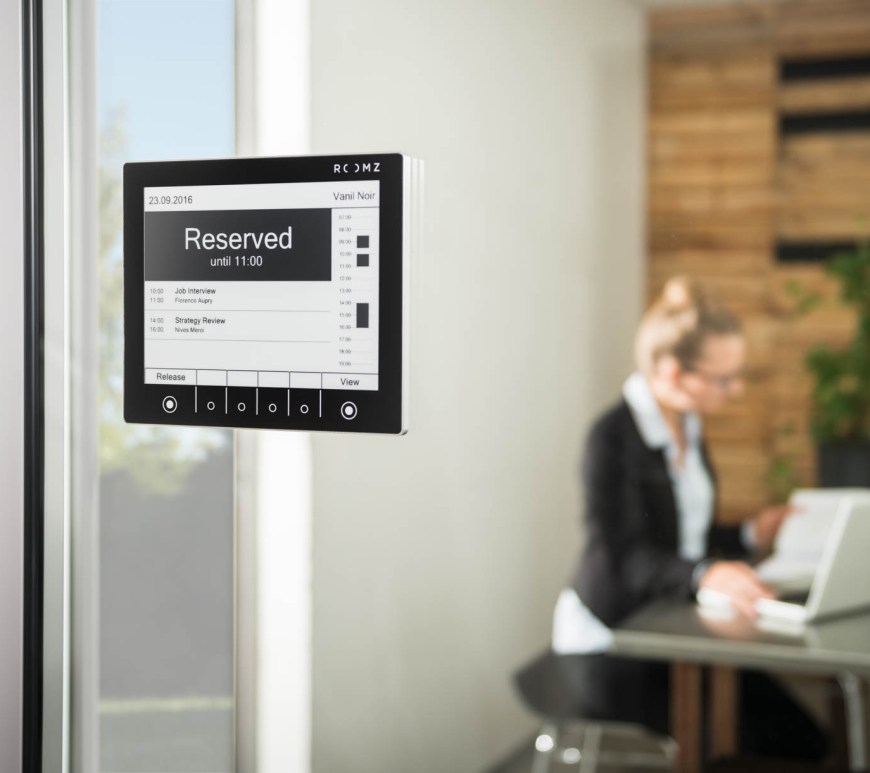
Roomz
I just discovered about Roomz the other day, when looking for a lower priced alternative to Crestrons TSS-7-W-S-LB kit their room scheduling touch screen. Roomz a Swiss company and from what I understand as designed and manufactured in Switzerland as well. Roomz display seems like the best low priced alternative on the market right now. It uses the same screen technology as the Amazon Kindle. The … Continue reading Roomz
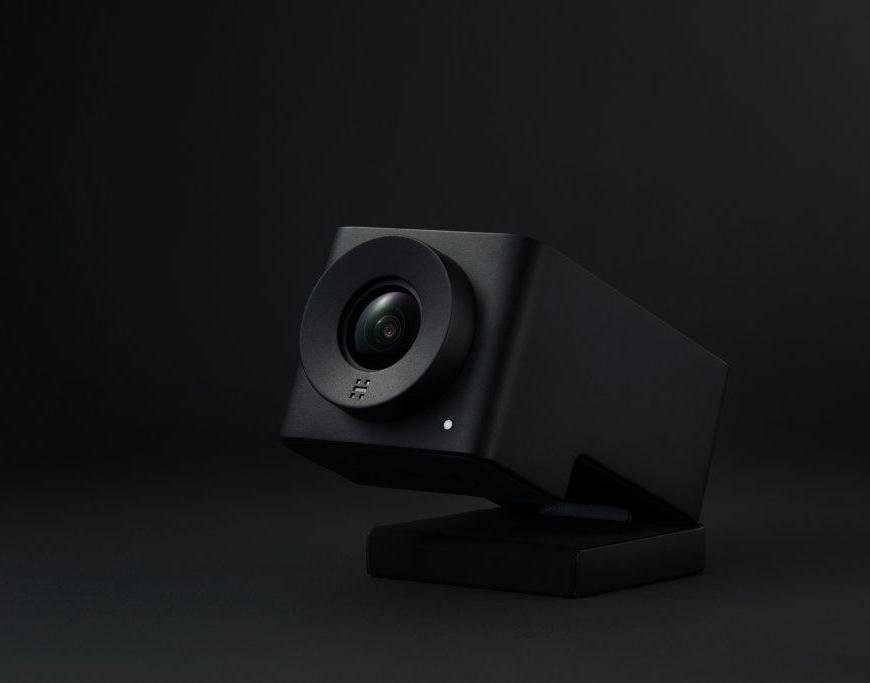
Huddly IQ
The Norwegian company Huddly recently released its second camera the IQ,not to be confused with the older Huddly GO. The IQ is released with the following specs; – 150° wide angle video – Embedded mic array – Artificial intelligence – Analytics API Huddly IQ is possibly the first artificial intelligence camera of its kind, with 150° wide angle and proper quality microphone array. it has a … Continue reading Huddly IQ

How do you use MiraCast?
Outside of the Apple sphere it took quite a while before there was a proper standard for wireless streaming of video. In 2012 we got a solution to the problem and MiraCast was introduced by the WI-FI Alliance. WI-FI Alliance is the non-profit organization that created the wireless network technology. They are the organization that makes sure that products are standardized after their standardization. MiraCast … Continue reading How do you use MiraCast?
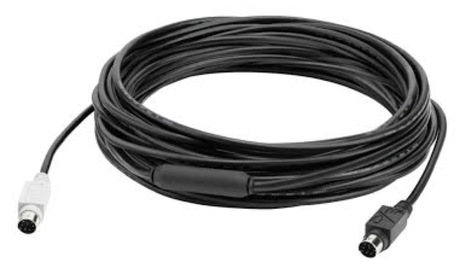
Tip of the day: Logitech Group extender cable.
Logitech just released their new and super modern (LOL) DIN / PS2 cable now in 2017. To be used for the Logitech Group and as I suspect as a replacement for the ridiculously priced Cable2Go 34019 extenderkit, that cost approxmately $490. Logitech has now released their new 10 meters/ 32 feet DIN cable for a fee of $99, which is both cheaper and easier to … Continue reading Tip of the day: Logitech Group extender cable.

Logitech Brio 4k Webcam
Logitech released their newest invention earlier this year and showed it off at CES and ISE. I had the pleasure of seeing it in action during the ISE´17 and I enjoyed it and how well it worked. For a low-cost webcam it offers some really impressive features for such as: Ultra 4K HD. Infrared facial recognition. Right light 3 with HDR. 90 degrees field of … Continue reading Logitech Brio 4k Webcam
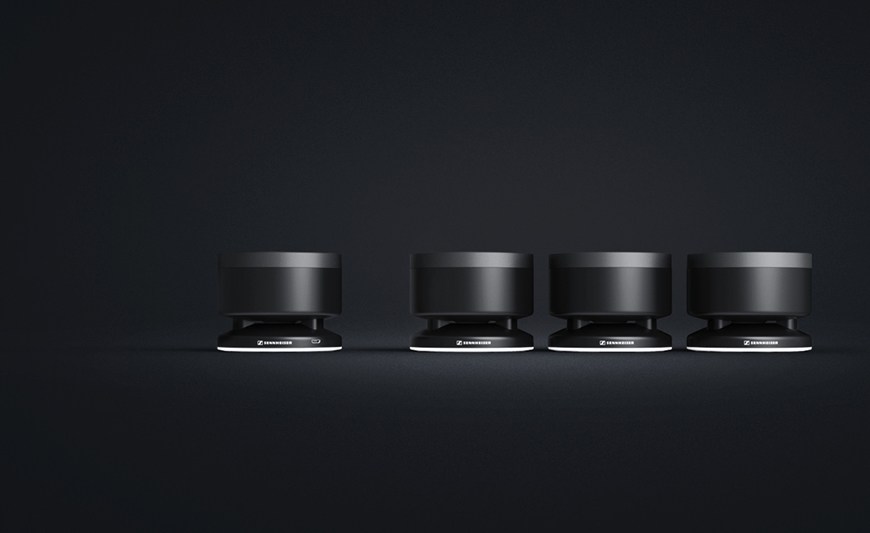
Sennheiser TeamConnect
Today I did a demonstration of the Sennheiser TeamConnect and what can I say other than it´s great. From the moment I unpacked it you could sense some feel of quality. It´s incredibly simple to connect, one power supply and put the speakers to charge. When finished charging put the speakers around the table and connect with the main speaker either through 3.5mm mini jack, … Continue reading Sennheiser TeamConnect

Cable guide: Displayport
DisplayPort (DP) and Mini display port (MDP) are two connectors that are beginning to emerge in more and more graphics cards and monitors. The only different between the contacts, the physical size. Just as HDMI has become the replacement for Scart, it seems like DisplayPort is the replacement for DVI. DisplayPort has in fact many benefits, including the connector is much smaller and handier. In … Continue reading Cable guide: Displayport

Cable guide: HDMI
There are many monitors and graphics cards that have HDMI connections. HDMI is essentially the same signal as single-link version of DVI-D and originally had the same resolution. However, there is a big difference between the two interfaces: the sound. While DVI-D is a clean video signal is HDMI a combined video and audio signals. At a transition between DVI-D and HDMI disappears thus the … Continue reading Cable guide: HDMI

Cable guide: DVI
DVI has taken over for VGA. The difference between the signals is that DVI transmitted digitally until screen. This minimizes the risk of interference that may arise along the way. In addition, the DVI is possible with higher resolution without blurring. DVI (Digital Visual Interface) is a misleading name, since there are also analog DVI connections. DVI connector is available in different versions, depending on … Continue reading Cable guide: DVI
 Geetchy